
 Photos
Photo Editor
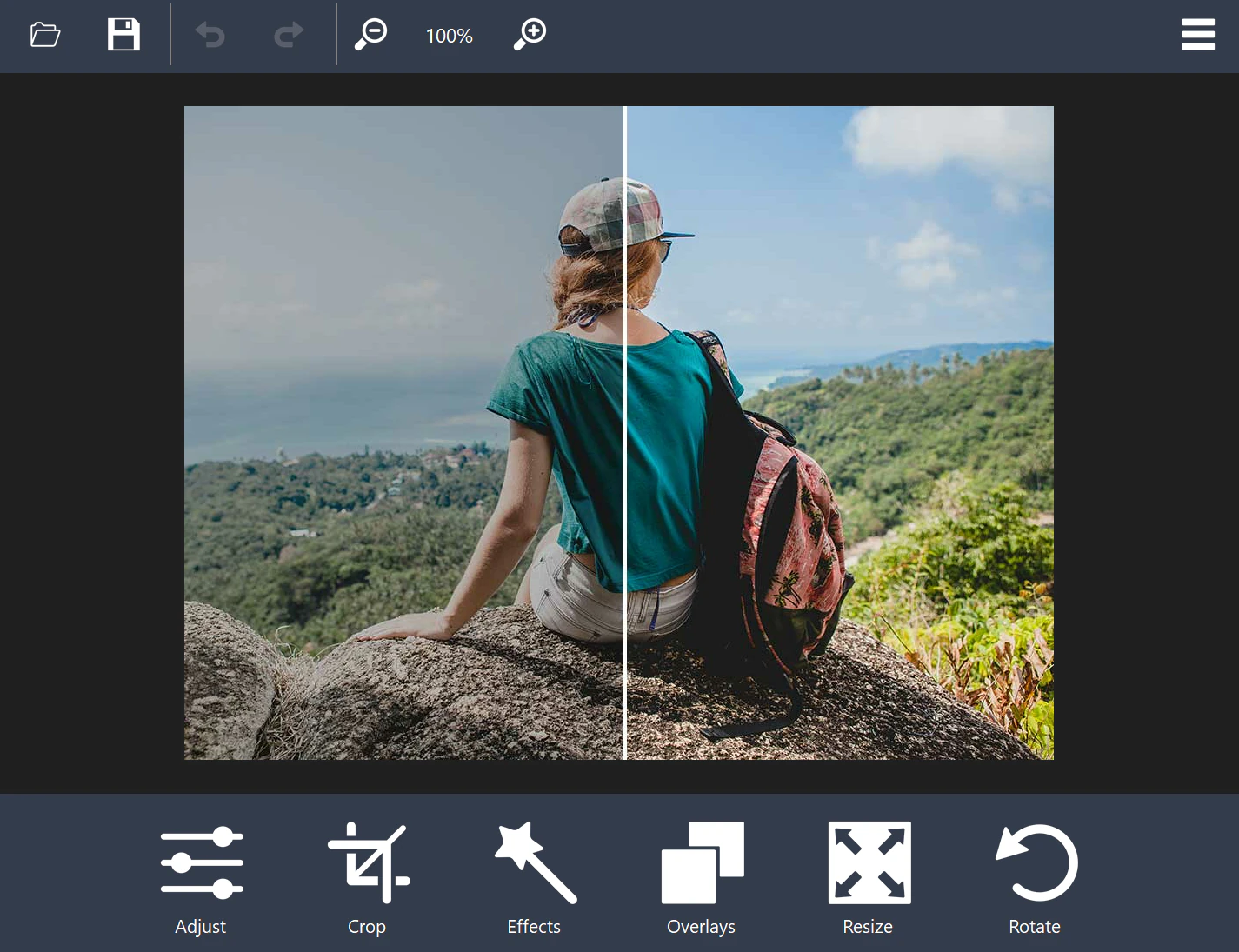
Edit, enhance, and transform your photos with intuitive tools for image adjustments, animated GIFs, slideshows, and batch conversion.
Windows desktop software
Discover easy-to-use Windows applications for editing photos, converting videos, creating music, and working with audio—all designed to help you get things done.
Featured products
A focused lineup of Windows applications for photos, video, audio, and music.
PhotosEdit, enhance, and transform your photos with intuitive tools for image adjustments, animated GIFs, slideshows, and batch conversion.
 Video
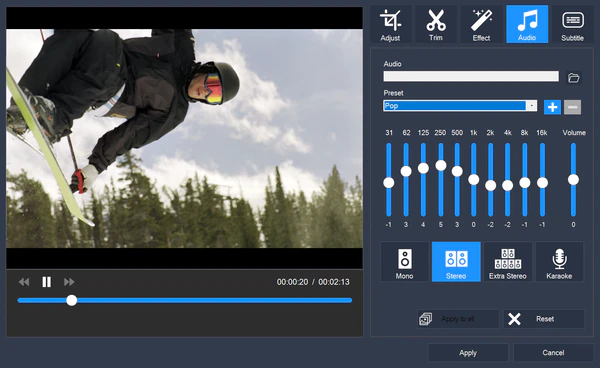
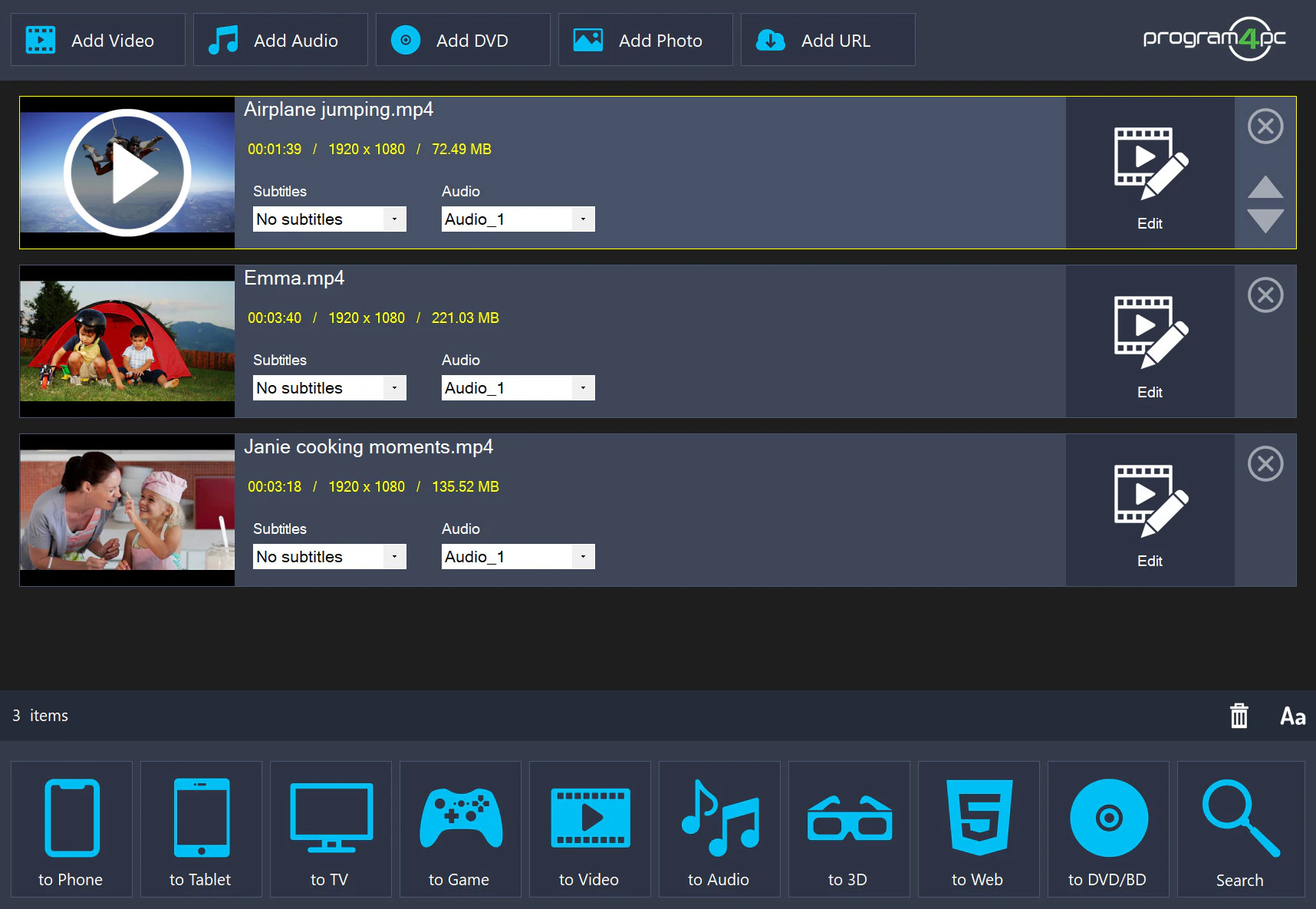
VideoConvert and edit videos, work with a wide range of formats, and create DVDs or Blu-ray discs in one Windows application.
 Audio
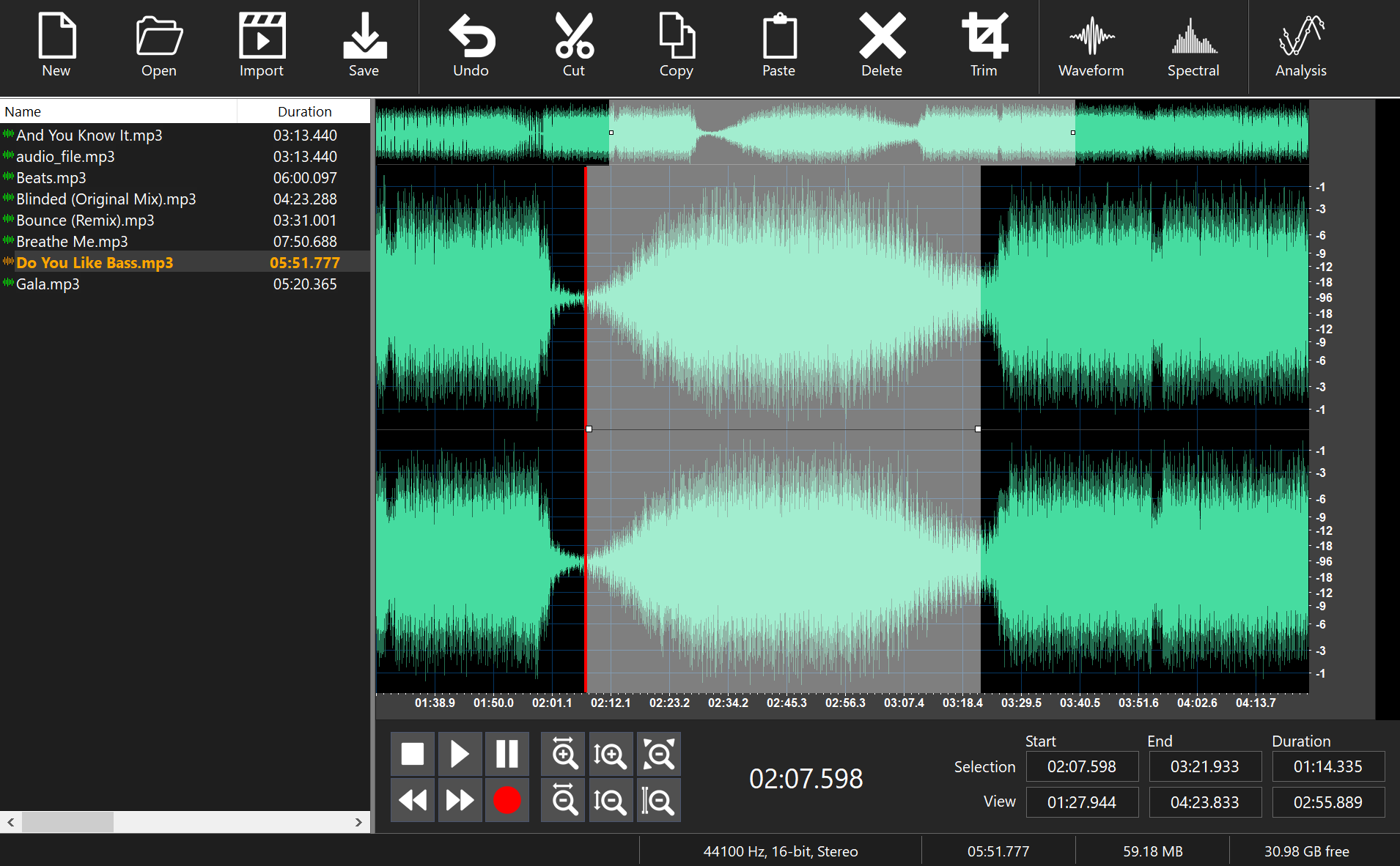
AudioRecord, edit, mix, and enhance audio with multitrack editing, professional effects, and flexible format support.
 Music
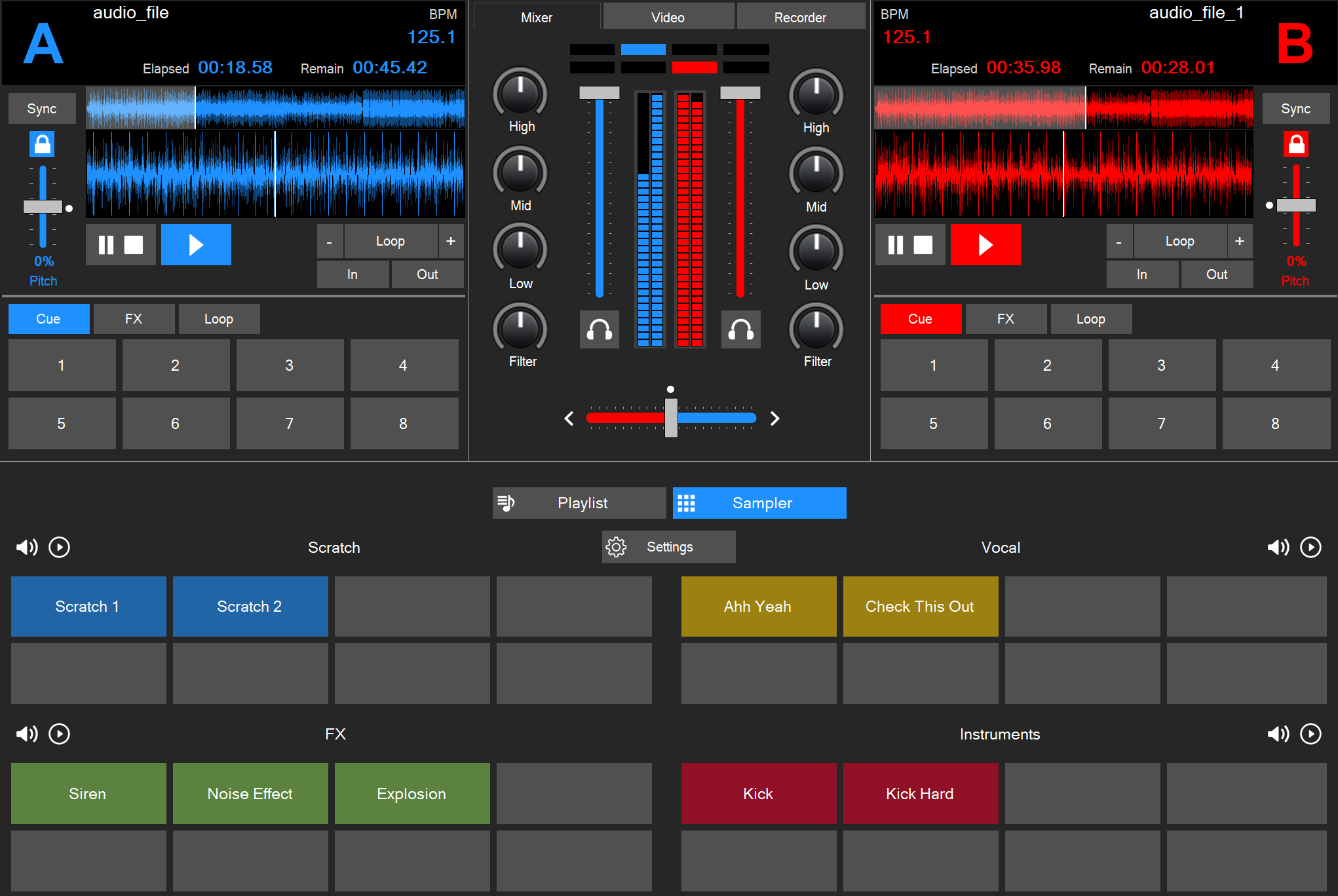
MusicCreate smooth mixes with beat synchronization, looping, cue controls, audio effects, and sampler tools.
Why Program4Pc
We design software around what matters most: getting real tasks done without unnecessary complexity.
Clean, approachable interfaces help you get started quickly without a steep learning curve.
Tools focused on everyday tasks, so you can spend less time searching and more time creating.
Get the software you need straight to your Windows PC with a simple download experience.
Questions about installing or using our software? Our support resources are here to help.
Product spotlight
Convert and edit videos, work with a wide range of formats, and create DVDs or Blu-ray discs in one Windows application.
FAQ
Browse our Windows applications and pick the tool that fits your next project.